A Lockdown Browser is the first technical shield that universities and educational institutions rely on to prevent e-cheating during remote assessments. This software temporarily turns a student's computer into a locked workstation, preventing them from opening new tabs, using other applications, or executing copy-paste operations. However, the effectiveness of a lockdown browser alone is limited and requires integration with smart proctoring systems to ensure complete integrity in university exams, which is exactly what QQ Assessment provides.
What Does a Lockdown Browser Block?
To understand how exam lockdown software works, you must know its functions. It is designed to be an isolated environment (Kiosk Mode) that prevents external interference:
- Closing Tabs During the Exam: It prevents the student from opening any other browser or searching the internet, cutting off attempts to find answers.
- Preventing Copy-Paste in the Exam: It disables keyboard shortcuts (like Ctrl+C and Ctrl+V), prevents taking screenshots, or printing any part of the questions.
- Blocking Background Applications: It closes programs that could be used for communication (like messaging apps) or those running in the background (like screen recording software).
- Restricting Connections: It only allows connection to the official exam site (like Blackboard or Moodle) and blocks access to any other domains.
Is a Lockdown Browser Alone Enough to Prevent Cheating?
The direct answer is No. Despite its power, the Lockdown Browser for exams has fundamental limitations. It only controls what happens on the device's screen and cannot see what is happening around the student. For example, it cannot prevent a student from using a hidden mobile phone, getting help from someone else in the room, or looking at paper notes placed nearby. This is where AI Proctoring becomes essential, covering these blind spots.
Benefits and Limitations of Lockdown Browser
To understand when to use it, here is an objective assessment:
Benefits:
- A powerful application to limit simple digital cheating (like opening a search window).
- Easily integrates with Learning Management Systems (LMS) like Moodle and Blackboard.
- Provides a stable exam environment free from distractions.
Limitations:
- Cannot detect phones or other devices: It cannot see what is happening outside the camera.
- No eye or head movement tracking: It cannot know if the student is looking at an external source.
- Some students may face technical issues: Such as software freezing or compatibility issues with certain devices.
How Does QQ Assessment Integrate Lockdown Browser with Proctoring?
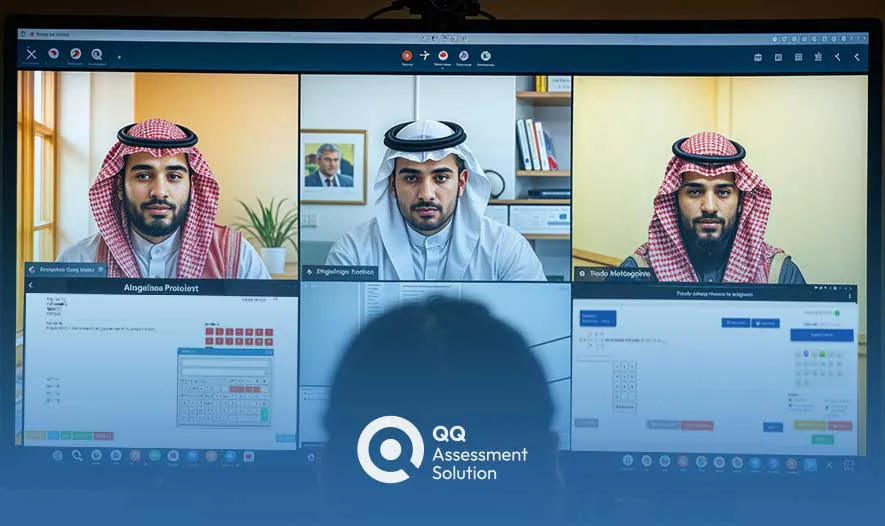
QQ Assessment offers a Hybrid solution that does not rely on the lockdown browser alone but integrates it with Live Proctoring and AI Proctoring. This combination ensures:
- Screen Security: via the lockdown browser to prevent internet access.
- Environment Security: via the camera to see phones and other people.
- Identity Security: via facial verification to prevent impersonation.
You can explore our system modules to see how these features integrate. You can also request a demo to see how this system can protect your university.
Frequently Asked Questions About Lockdown Browser
Can a student bypass the lockdown browser?
While the lockdown browser is designed to be difficult to breach, it is not impossible. Therefore, smart universities rely on defense in depth, using the lockdown browser alongside AI proctoring systems to close any gaps.
Is the lockdown browser free?
There are open-source programs like Safe Exam Browser (SEB) that are free but require technical configuration. Commercial programs like Respondus LockDown Browser require a subscription. QQ Assessment offers a comprehensive solution that includes these functions in one package.
What happens if the internet disconnects during the exam?
Modern platforms like QQ Assessment offer an "offline continuity" feature, where candidate answers are saved locally and encrypted, then automatically uploaded once the connection is restored, while logging all suspicious events.
Request a Demo Now — See how QQ Assessment protects your university from cheating.